
Long loop · days to months
A new date after every grade
What you know comes back later and later. What does not comes back soon.
- tomorrow
- in 3 days
- in 9 days
- in a month
A learning app for anything
Quiet memory, visible progress.
An advanced app for older students, adults and professionals — secondary school, university and work. You choose the content yourself, so a primary-school child can work with it too.
Memorate is a flashcard app built on spaced repetition. It works out when something is about to slip out of your memory and shows it to you right then. That is all you have to do.
iPhone, iPad and Apple Watch · requires iOS 18 or later. Coming to the App Store, currently in closed testing.
How it works
Two loops running at different speeds. The test decides when a card comes back. The drill deals with today.
It just sits there. Nothing is scheduled, nothing nags.
You decide what and when. The app never helps itself.
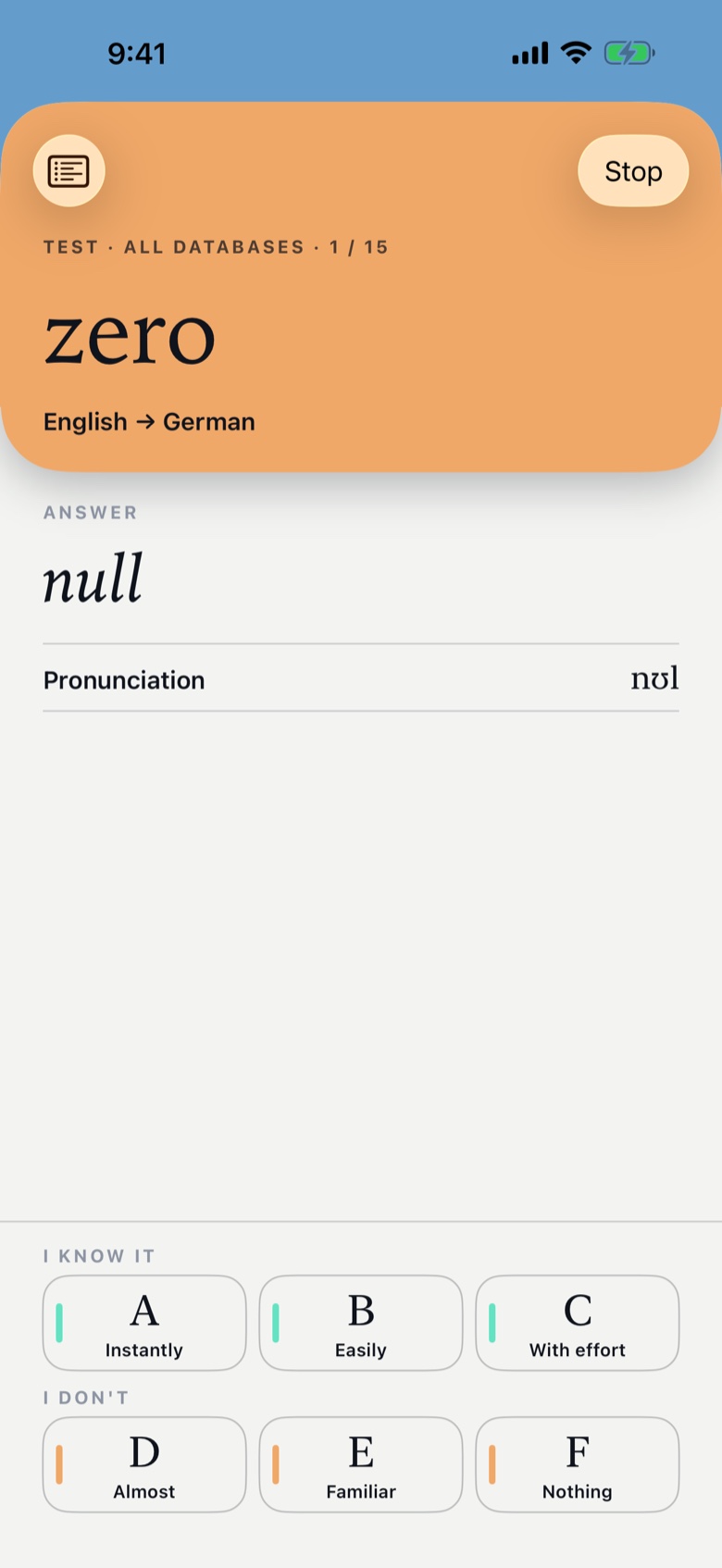
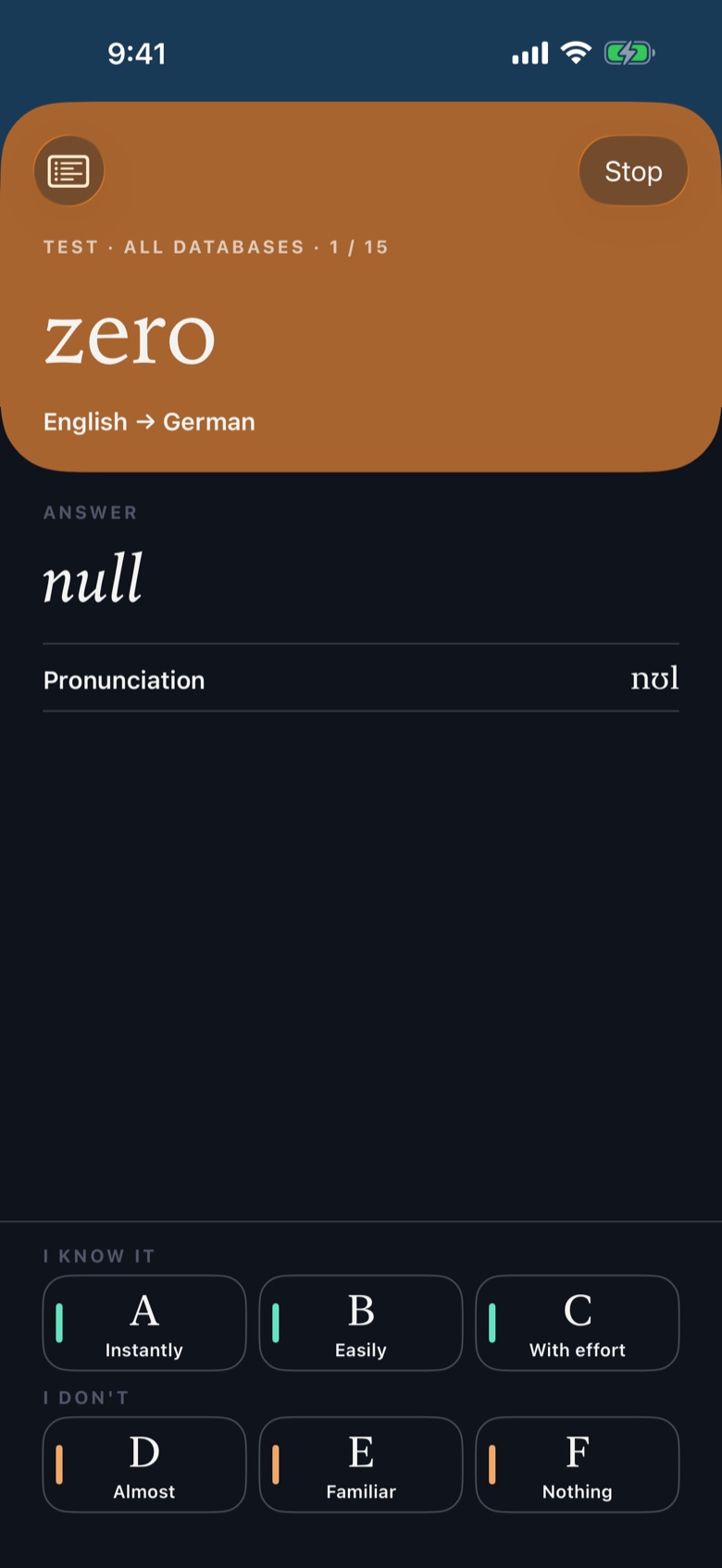
How easily it came back. That is what sets the next date.
What you know comes back later and later. What sticks stays close.
A grade always moves the date. C to F additionally drop into today's drill — and C is the odd one: it counts as a success and still gets another look.
Long loop · days to months
What you know comes back later and later. What does not comes back soon.
Short loop · still today
A short reinforcement for today. It never touches the date or the measured values.
The test is long-term memory, the drill is today. That is why you can test in the morning and clean up at night.
Free content
An empty flashcard app is no use. Geography, history and vocabulary are ready to go — tap a file and it is in.
45 decks · 8 457 cards · Free and CC0
Examples of decks
No badges, no streaks designed to keep you in the app. Just learning that works, and numbers that mean something.
Ready-made decks to download: countries of the world, Swiss cantons, Czech history and core vocabulary in seven language pairs. Tap a file and it is in.
The FSRS-6 model tracks difficulty and stability for every card. Intervals grow while you remember and shorten the moment something starts slipping.
A test is the long-term signal — it recomputes when the card comes back. A drill is today's practice and never touches the schedule.
"hello → ciao" and "ciao → hello" are two different skills. Memorate schedules them separately, each with its own difficulty and due date.
One number from 0 to 100 that sums up the state of your library. Open it to see which part is holding it back.
The wizard handles your separator, header row and encoding, and takes a ready-made .memorate database too. You see exactly what will be added before it is.
An in-app snapshot for quick restores and a file export you can take anywhere. No closed format.
How things actually fade for you, against what the model predicts. Measured on your answers — not a percentage from an advert.
Spot a typo in a ready-made deck, we fix it — and the fix lands in your copy. Along with everything you have learned in it.
Three steps. Memorate keeps track of the rest.
By hand or by importing a CSV. A card has a front, a back, a note and a category.
A committed direction gets its first due date tomorrow and shows up in today's drill straight away.
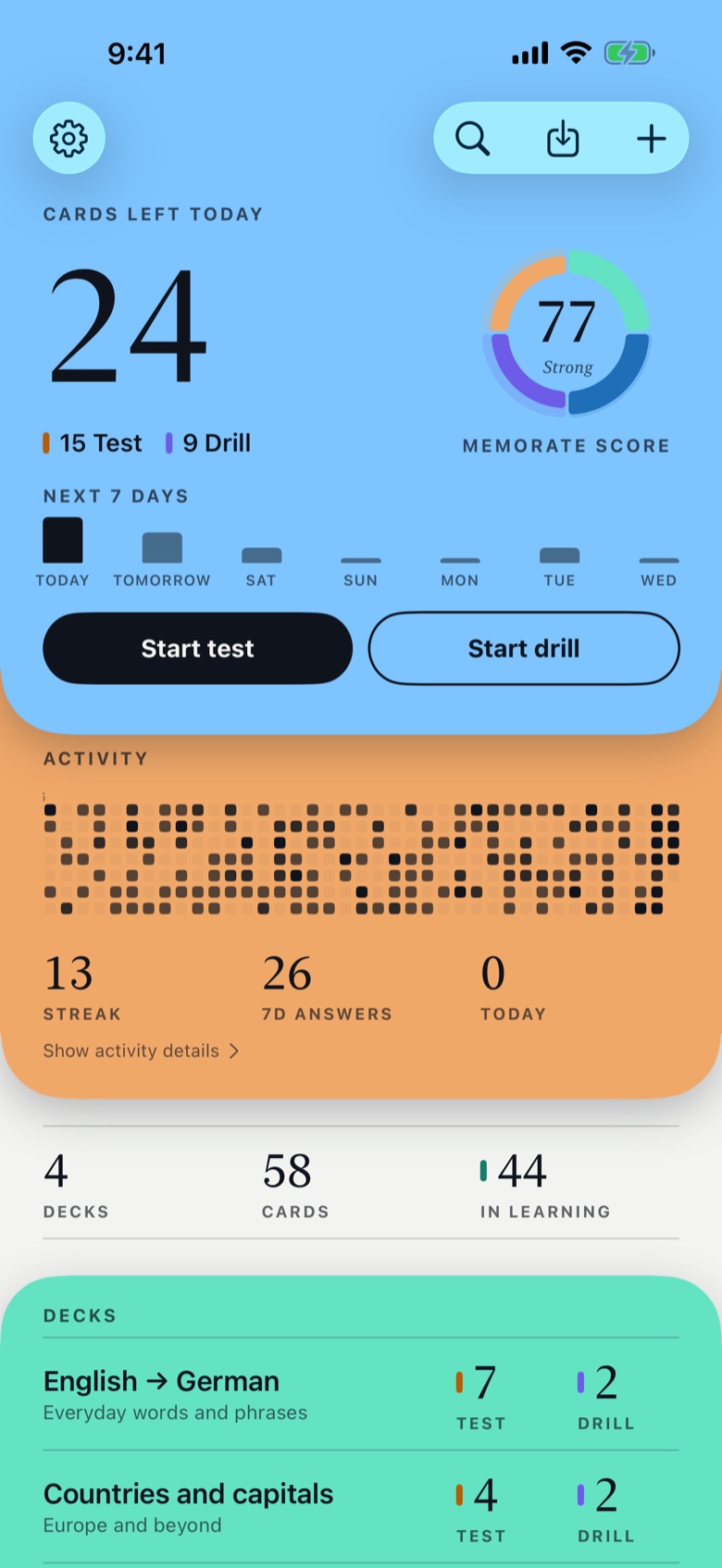
The overview shows how much work is waiting. Tests are graded A to F, drills only right or wrong.
The practical part
The app tells you what is up. This page tells you in what order to do it and why that one — five minutes of reading that decide whether you stick with it.
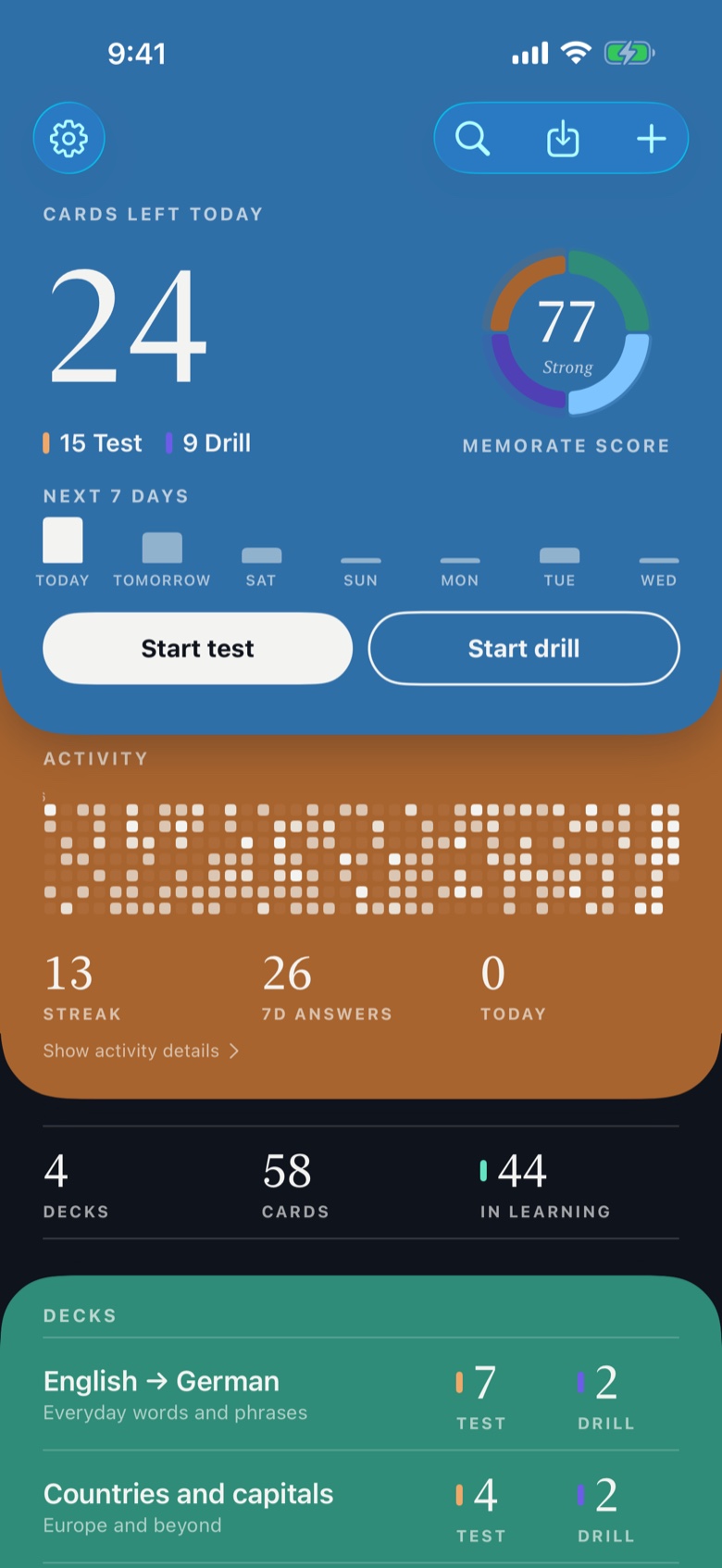
Real screens from the app. None of this is a mockup.
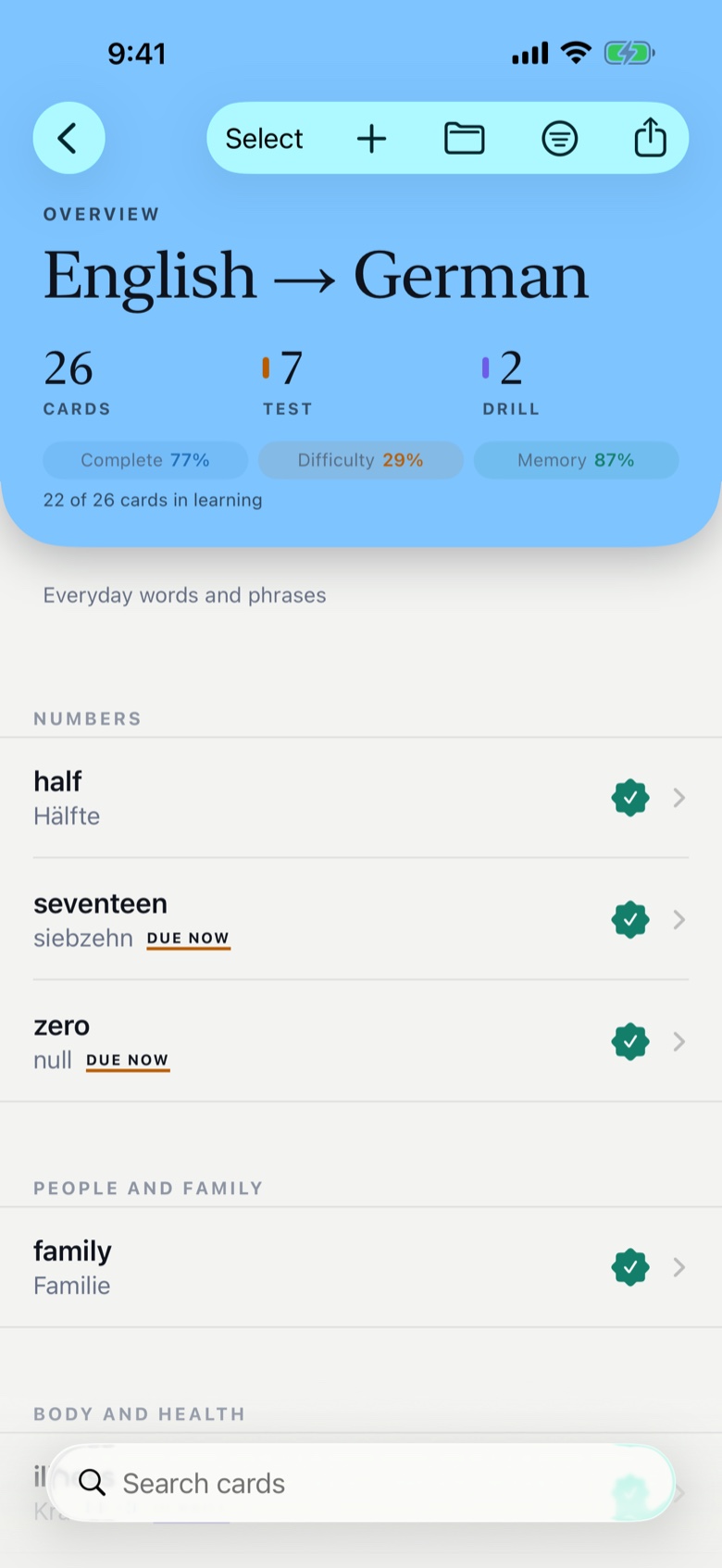
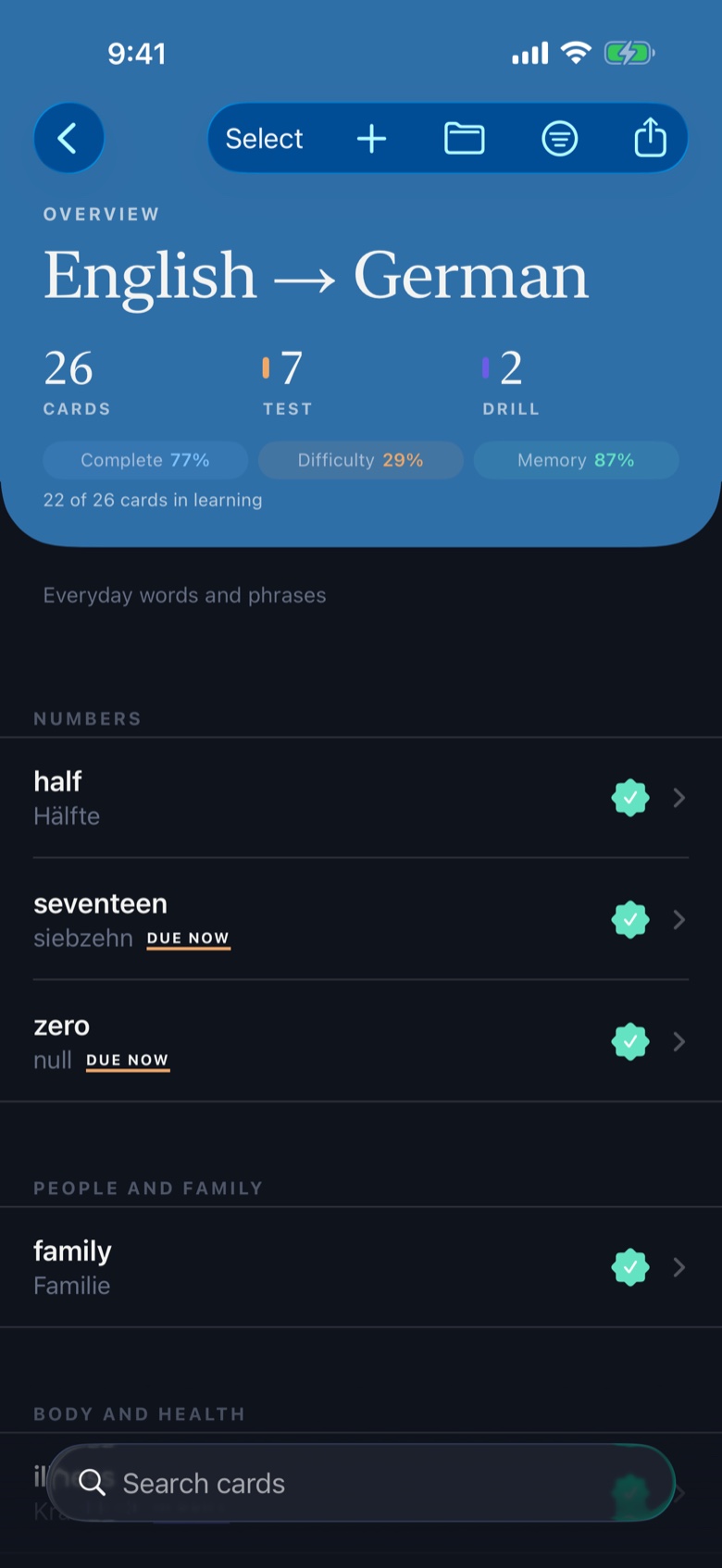
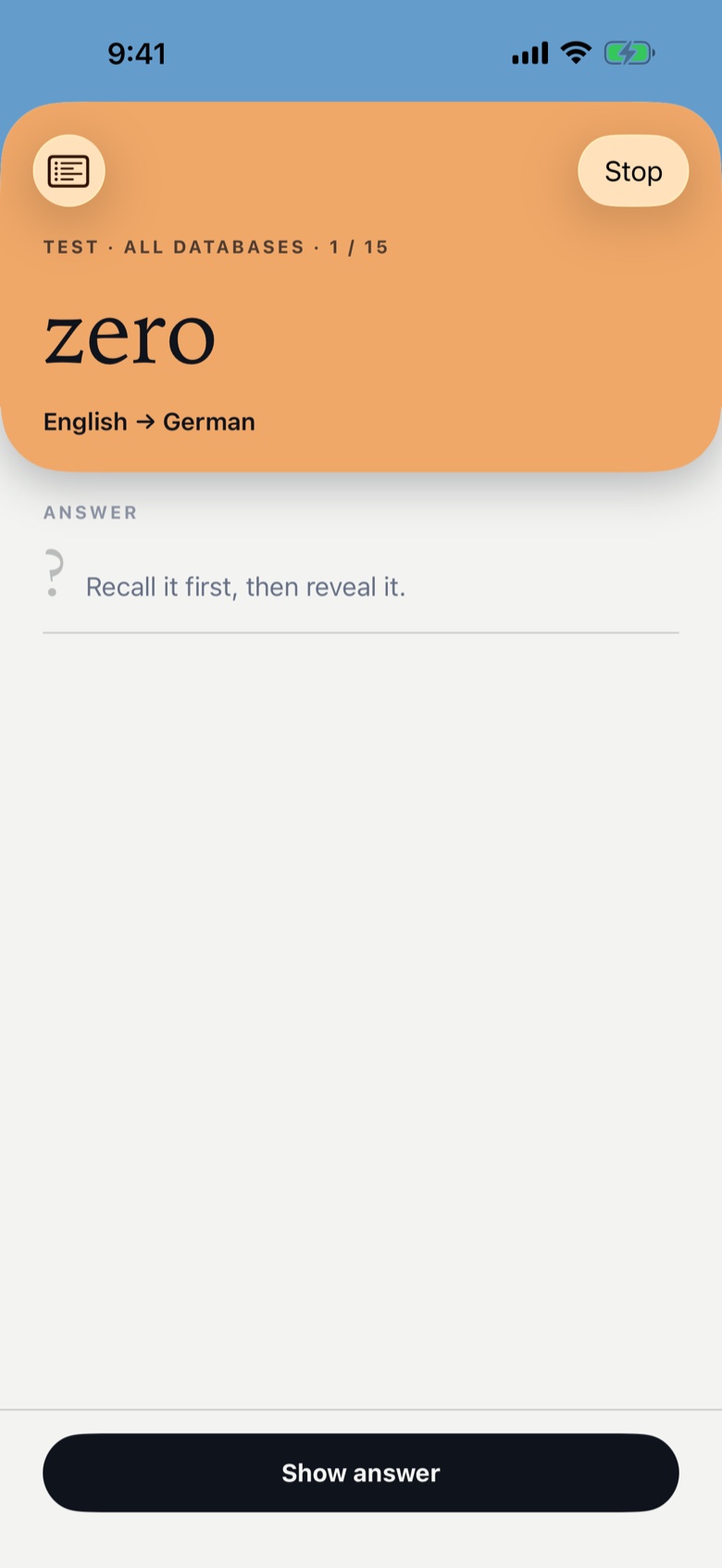
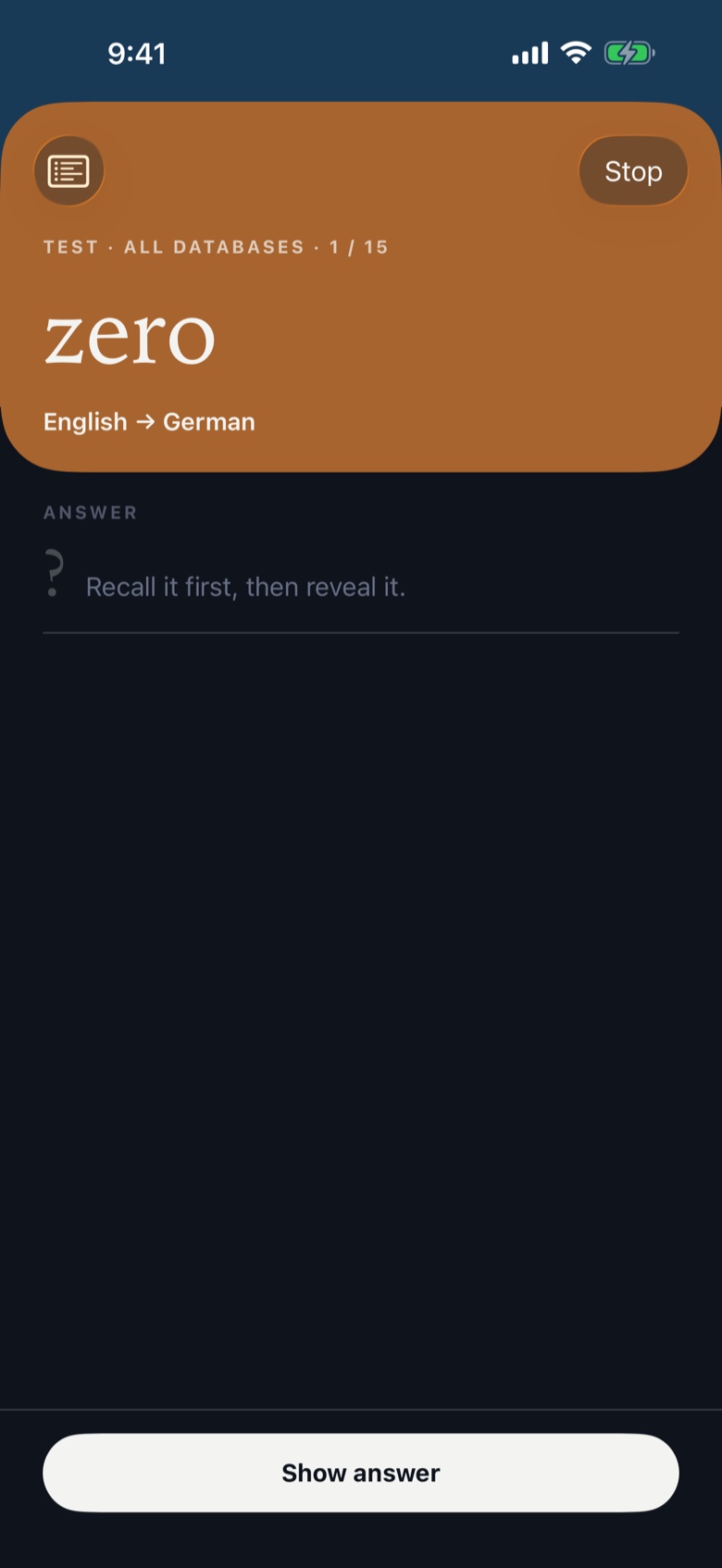
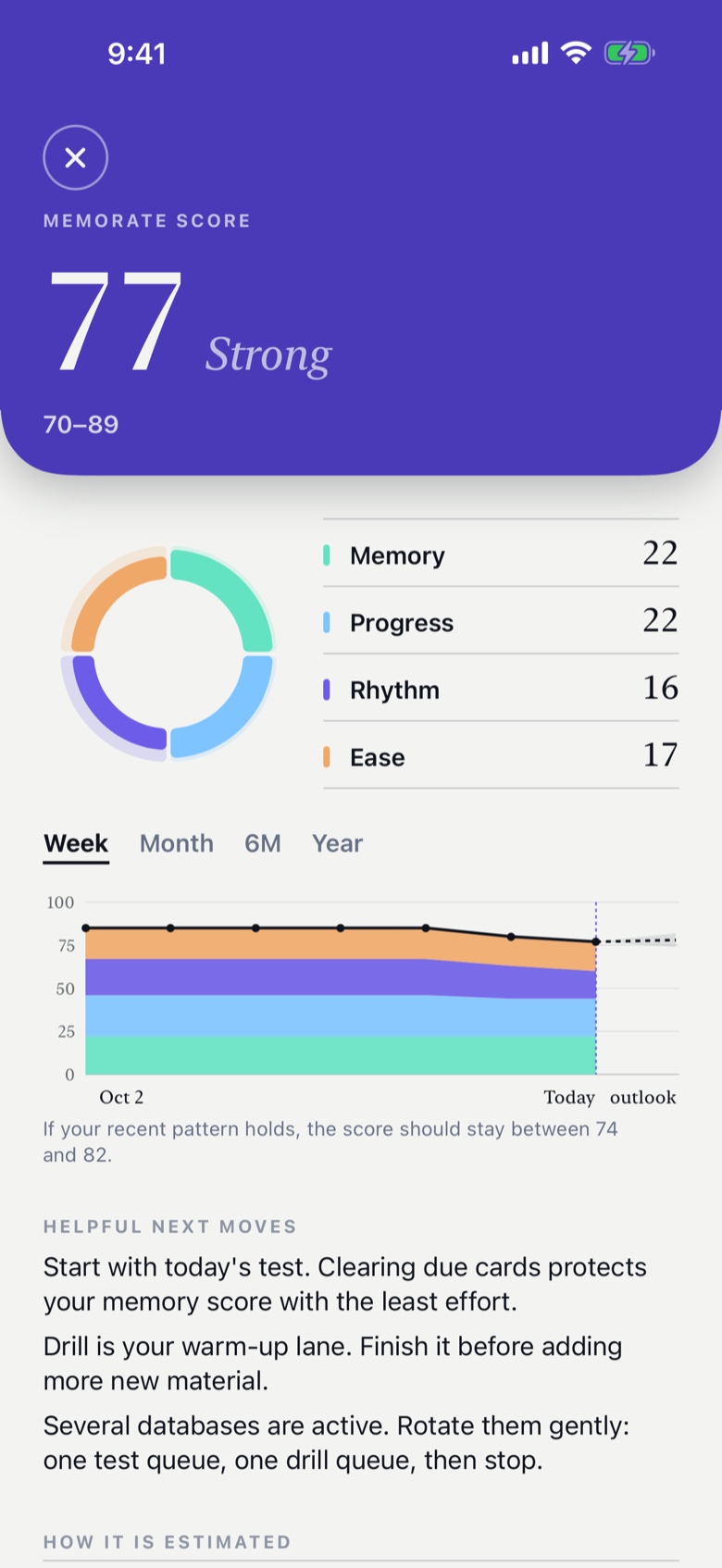
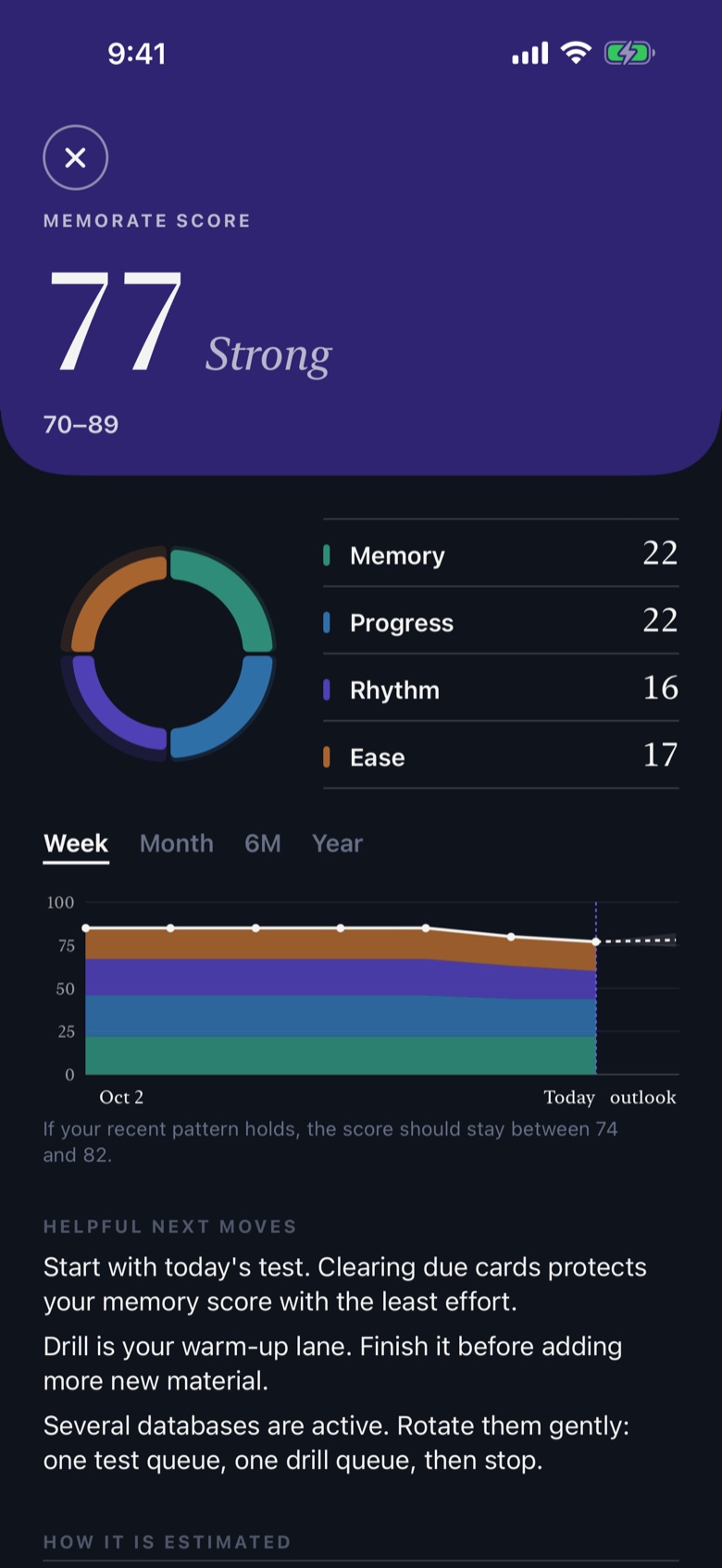
Most people want to know what to study, not how it is computed. Simple mode shows only today's work. Detailed mode uncovers the numbers behind it.
Same data, same schedule. Widgets and the watch write to the same store.
The full app: decks, cards, tests, drills, statistics, backups. The icon badge shows how many cards are waiting.
A split view with decks on the left and detail on the right. Keyboard shortcuts for grading and for starting a session.
Tests and drills on your wrist, even without the phone nearby. Answers sync back as soon as they reconnect.
Tests and drills right on the home screen — the widget works out what is up next. Plus an overview with the score.
Out of the box nothing leaves your phone. Memorate has no accounts and no server, and nowhere to send your data. Learning, importing and backing up all work with no connection at all.
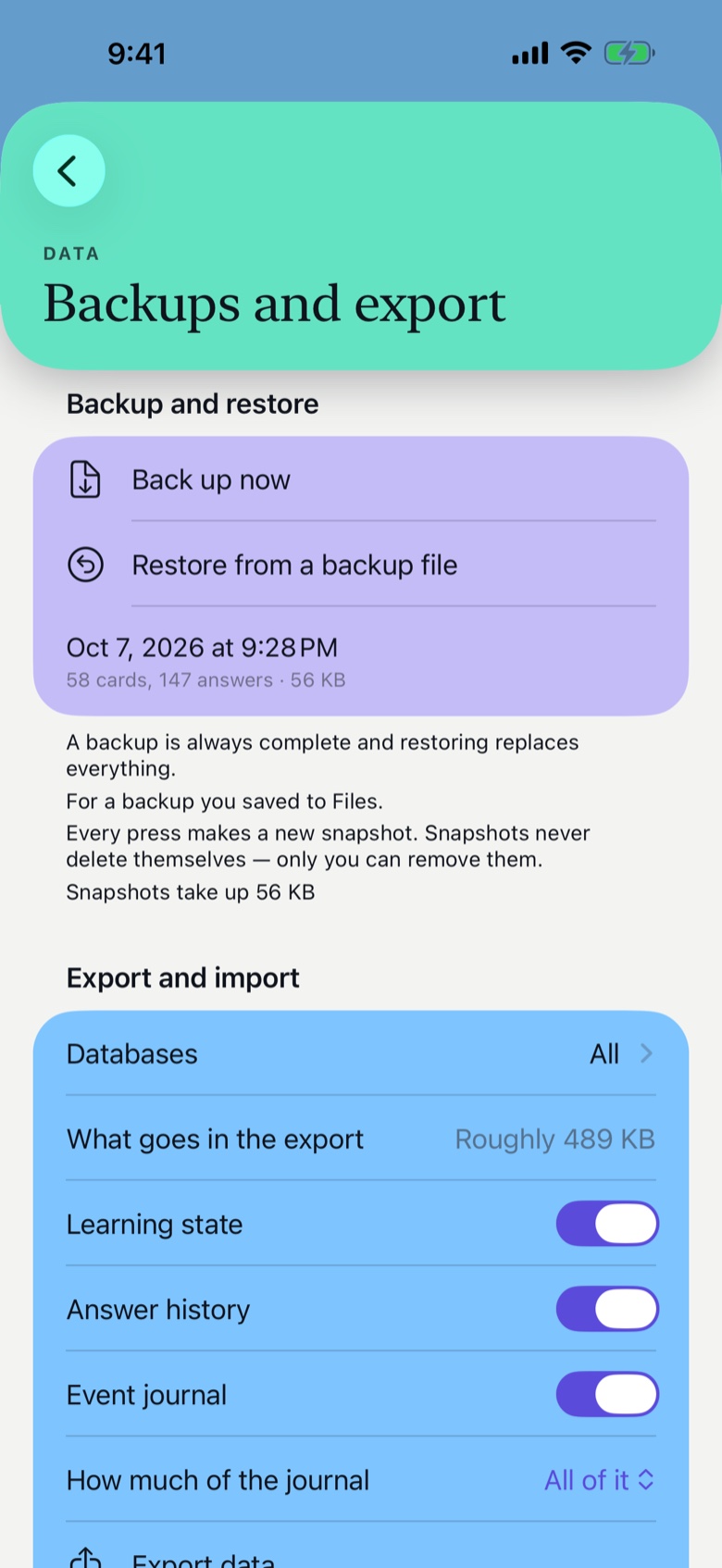
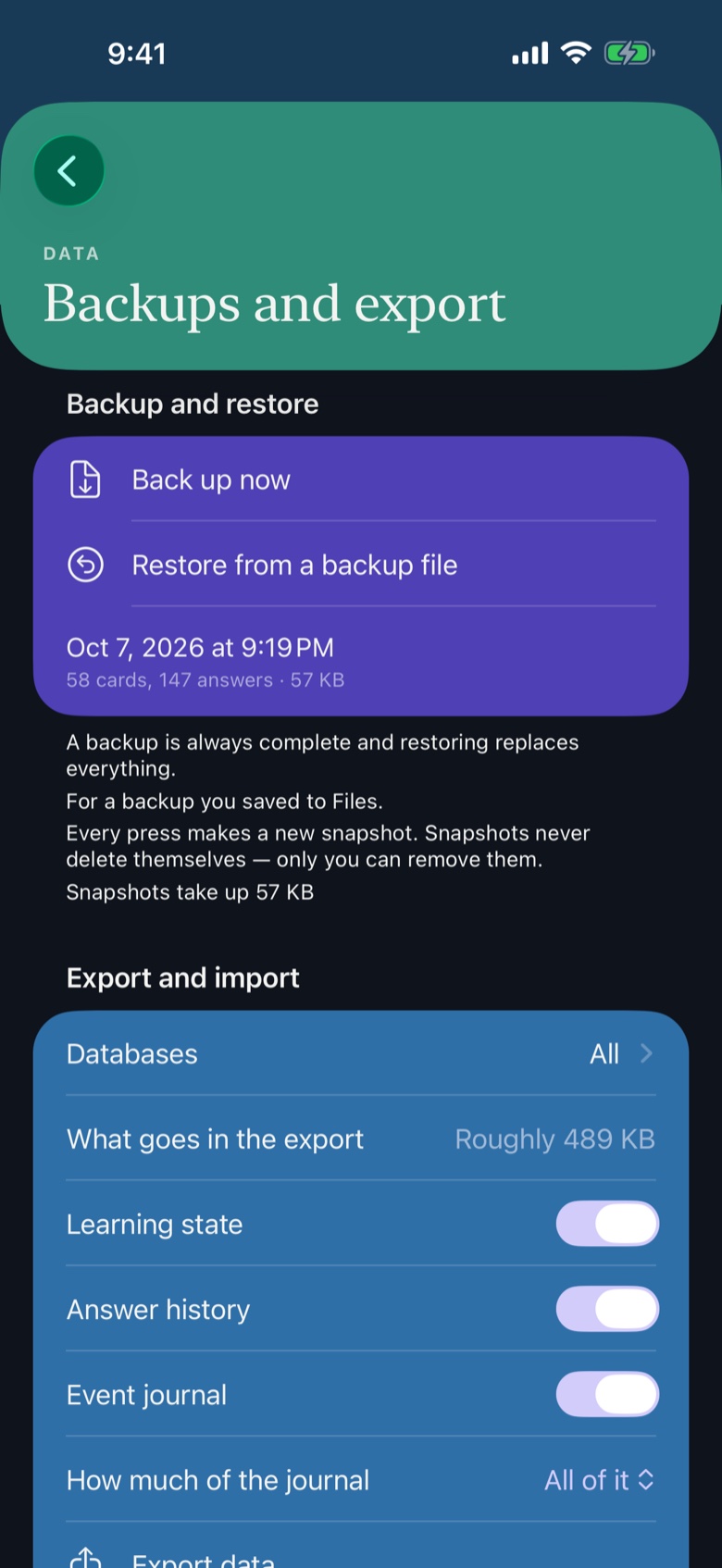
The family
Simplified and specialised: one skill, nothing to set up, free. Memorate schedules repetition, the small apps do not — it is a different job, not a smaller version of this one.
The manual walks you from your first deck all the way to backups. With screenshots at every step.