 Memorate
Categories organise cards inside one deck. A World capitals deck might have Europe, Asia, Africa; an Italian deck might have Phrases, Verbs, Food.
A card belongs to at most one category. Cards without one are in Unfiled.
Managing them
In the deck detail's toolbar, tap the folder icon.
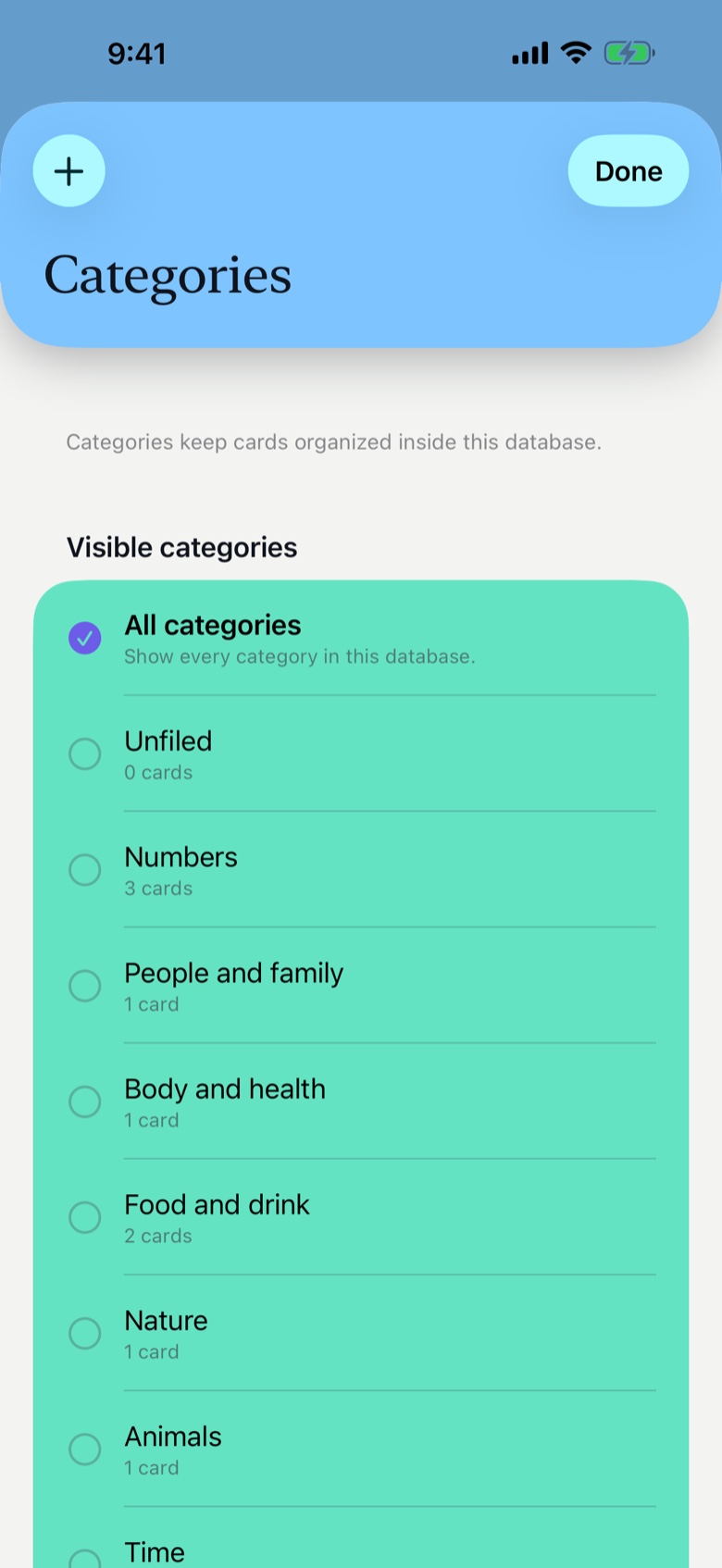
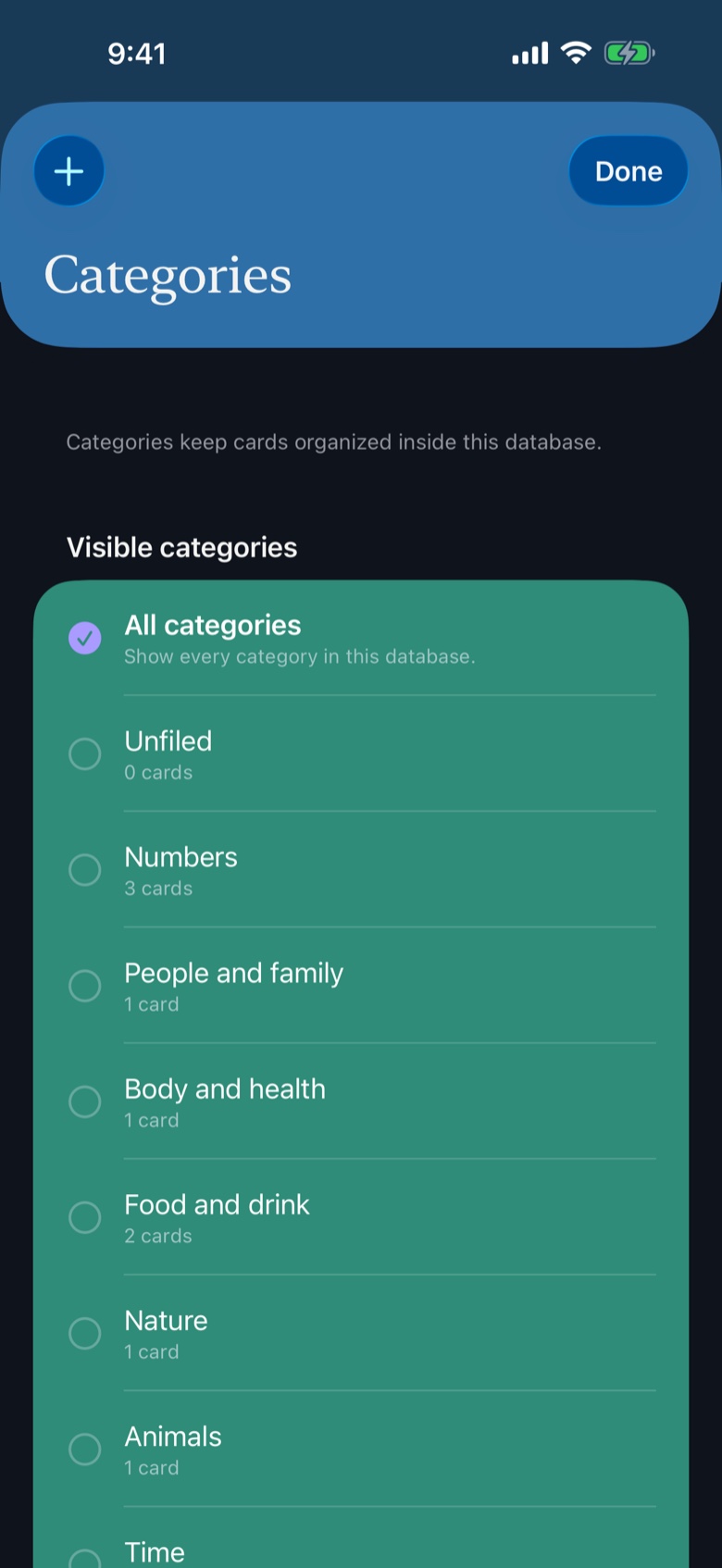
The screen does two things at once.
It filters the card list. Pick one category under Visible categories and the deck detail shows only its cards; the screen closes as you pick. All categories clears the filter again, and Unfiled is a choice like any other.
It manages categories. + in the top left creates one; swiping a row from right to left offers Rename and Delete category.
Deleting a category does not delete cards. They move to Unfiled.
Where categories come from
- By hand, here.
- During CSV import, when you give a column the Category role and leave Create categories from the file on.
- When creating a card, by picking one from the menu.
One thing to watch
The category filter changes only what the list shows. It has no effect on what appears in a test or a drill — every committed card in the deck goes there regardless of the filter.
To restrict study to part of your material, the filter will not help. Either make a separate deck, or remove the rest from learning.