 Memorate
Search opens with the magnifier in the overview's top bar.
Where it looks
Across every deck, in these fields:
- question,
- answer,
- extra fields 1 and 2,
- the note.
Archived decks are searched too — their content stays available.
Results
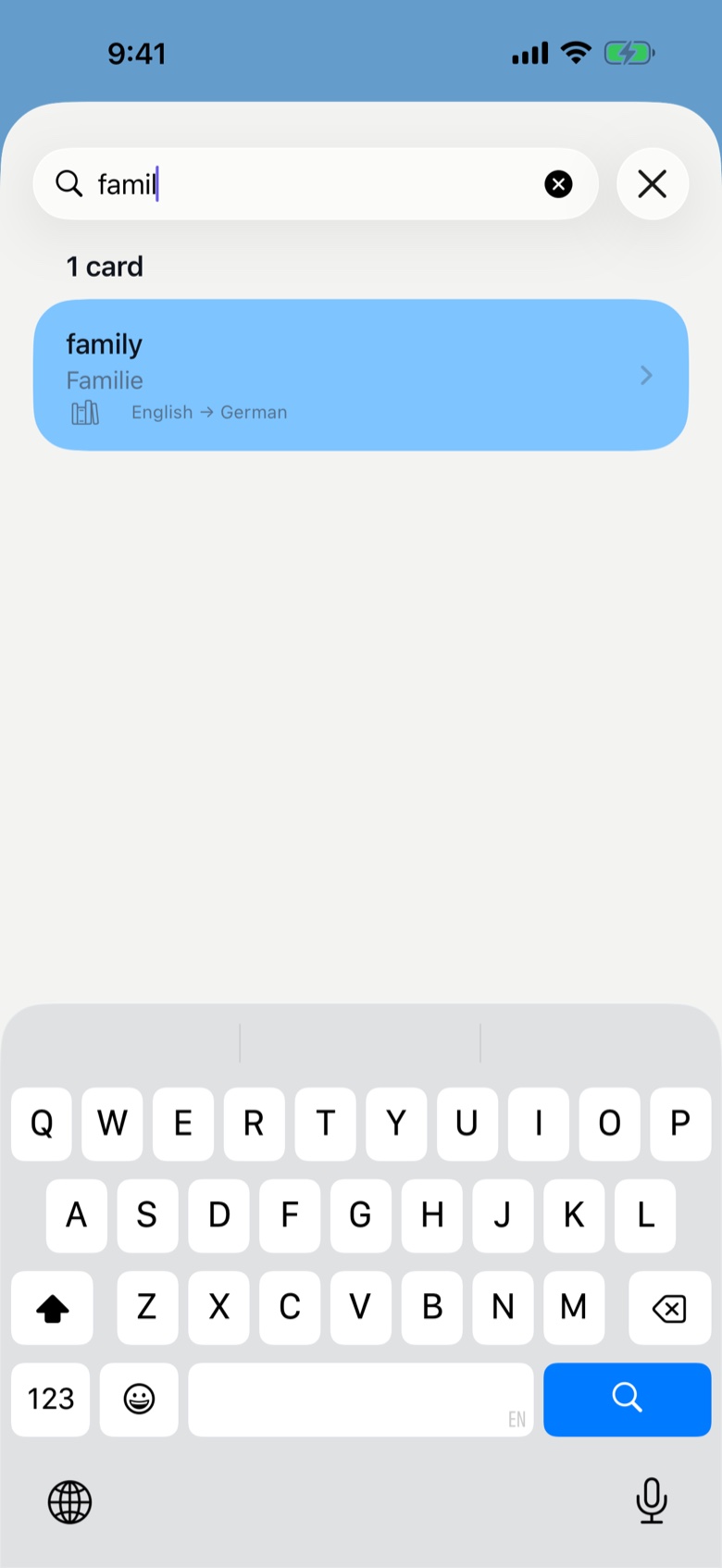
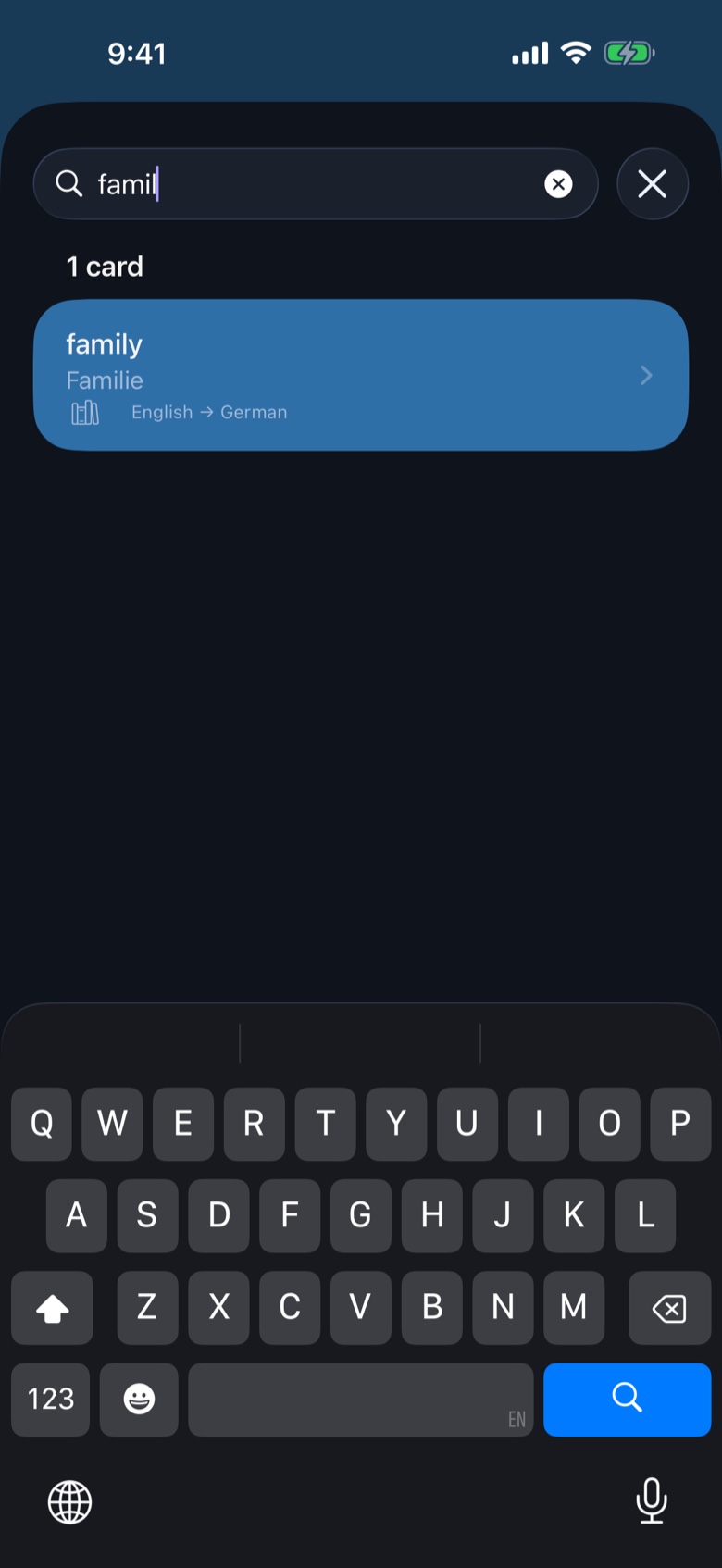
Every row shows the question, the answer and the deck the card comes from. Tapping one opens the card detail.
When there are too many results, the first batch is shown and Memorate says there are more. Narrow the search to see the rest.
Searching inside a deck
The deck detail has its own search field at the bottom. It filters cards in that deck only, which is what you want when you know where the card is.
Tip
Search is the fastest way to fix a typo. Find the card, open the detail, Edit. Editing content never costs you measured progress.