 Memorate
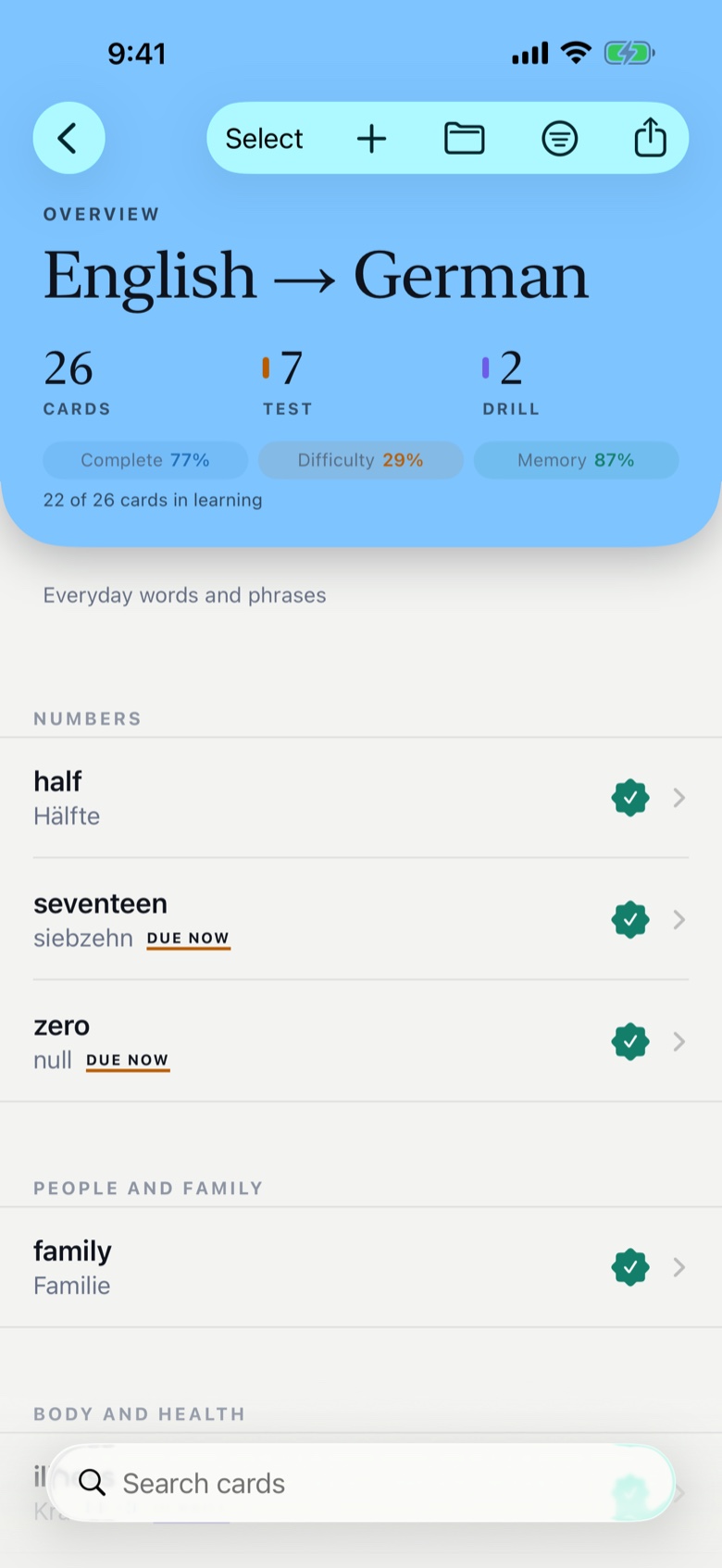
Sharing is an export configured so that only content ends up in the file. Start it with the arrow up icon in the deck detail toolbar.
What opens
Not a file straight away, but the export settings. You decide what goes in the package.
The default is "nothing personal":
| Switch | Default |
|---|---|
| Learning state | off |
| Answer history | off |
| Event journal | off |
With these settings the file carries only the cards, the categories and the deck's settings. No difficulty, no due dates, no history.
Under the switches is a size estimate.
Sending it
Share at the bottom opens the system share sheet — AirDrop, Messages, Mail, or saving to Files.
On the other end
The recipient has three ways in.
Tap the file. Memorate offers itself in "Open in" from Files, Mail and AirDrop, on iPhone and iPad alike. A screen appears that says what is inside — how many decks, how many cards and who the author is — and only after confirming does anything get written.
A file from outside is never written on its own. The import merges, and nothing already in the app is removed unless you choose so — not even cards missing from a new version of a deck.
Through import. The arrow into a box on the overview opens the import wizard. Pick a .memorate file there and it skips the CSV steps and shows the same confirmation.
Or through backups. Import a file in Backups does the same thing.
What they get
Whichever route the file arrives by, the outcome is the same: the cards join the library and start outside learning — they get committed by hand, at their own pace.
The confirmation screen spells out what will happen first. If no deck from that file is in the library yet, it is a plain addition. If one already is, it behaves like a deck update — learning and answer history stay.
If you do not want to send a whole deck, make a new one, move just the relevant cards into it and share that.
When to turn the learning state on
Practically one case only: moving your own data between your own devices. There you want everything, because you are replacing yourself. Even then, restoring from a file is the better tool.
What is inside the file
A .memorate file is an ordinary ZIP. Rename it to .zip, unpack it, and you will find two readable files:
| File | What is in it |
|---|---|
manifest.json | a short description: how many decks, how many cards, who the author is, which revision |
content.json | everything else — cards, categories, settings |
That is deliberate. Your data should stay readable without the app — if you needed a special tool to read your own flashcards, something would be wrong.
The manifest is only a shortcut for a quick preview. On import the app goes by content.json, so even a manifest that lied would not change the result.
If you want to build such a file yourself, the whole structure is described in Building decks on a computer.
There is also a media/ folder with the card images. On an image deck it is most of the file — the flags come to 2.4 MB, where a text deck of the same size is tens of kilobytes. The details are in Images on a card.