 Memorate
I imported cards and the test says there is nothing to test
The cards are in the deck as content but are not committed to learning. Open a card and choose Commit to test, or swipe its row from left to right in the deck detail. Covered in Cards and directions.
I committed cards and the test is still empty
That is correct. A committed card gets its first due date tomorrow. Today you will find it in the drill.
The overview's numbers do not match what I see inside
The overview recomputes when something changes, and at the latest after a minute. After answering on the watch or in a widget it can lag briefly.
Pull the overview down and let go. It recomputes immediately.
The icon badge shows a different number than the app
The badge is computed ahead to midnight so that it is right in the morning before you open the app. If you leave the app open overnight, the screen can be yesterday's — just refresh it by pulling down.
A card keeps coming back over and over
Look at the card detail, at the section for the direction that keeps coming back:
- high difficulty and low stability mean you genuinely do not remember it — the card is probably too complex, try splitting it in two,
- if it is in drill, the drill is bringing it back today and the schedule is not involved.
I lost data
Open Backups and export. There are snapshots the app made — among others, automatically before every restore and before destructive operations.
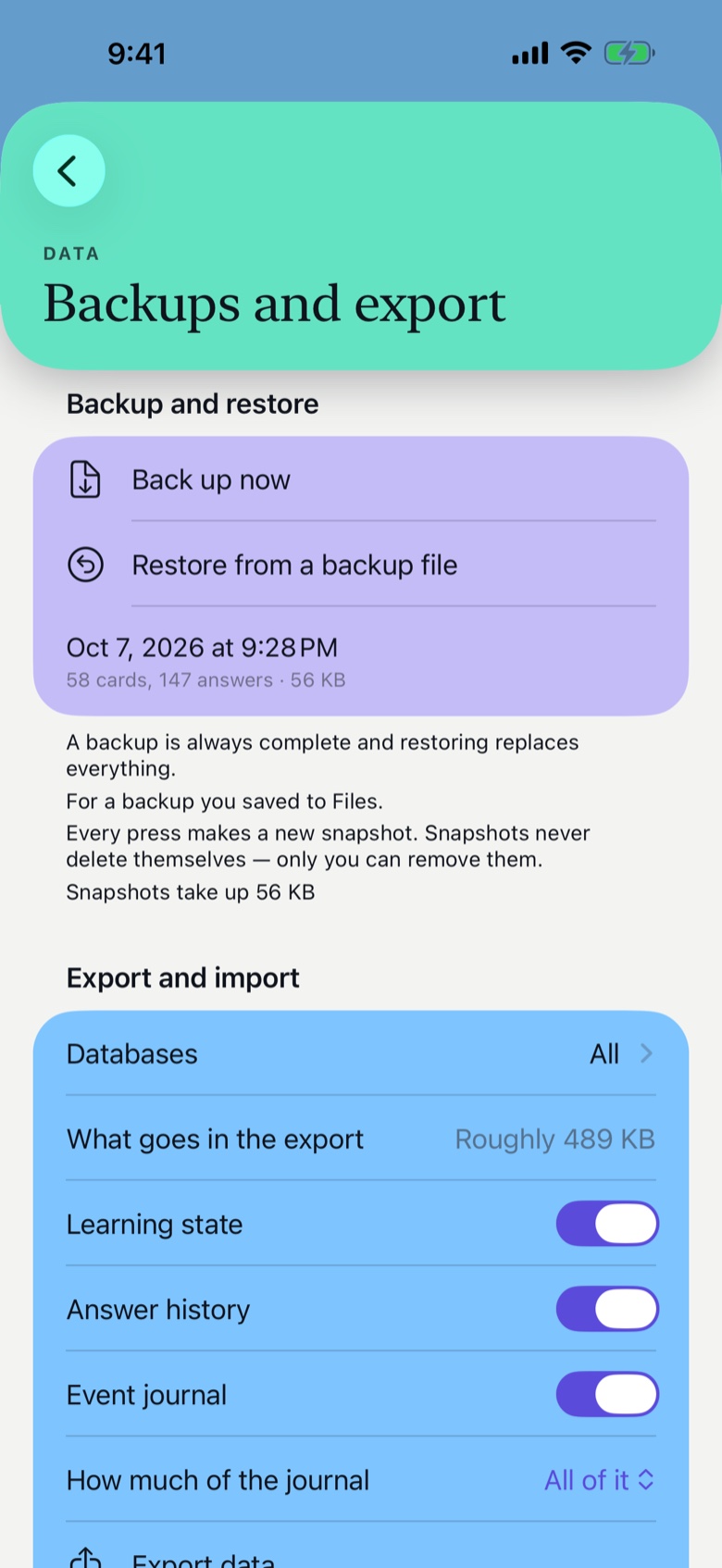
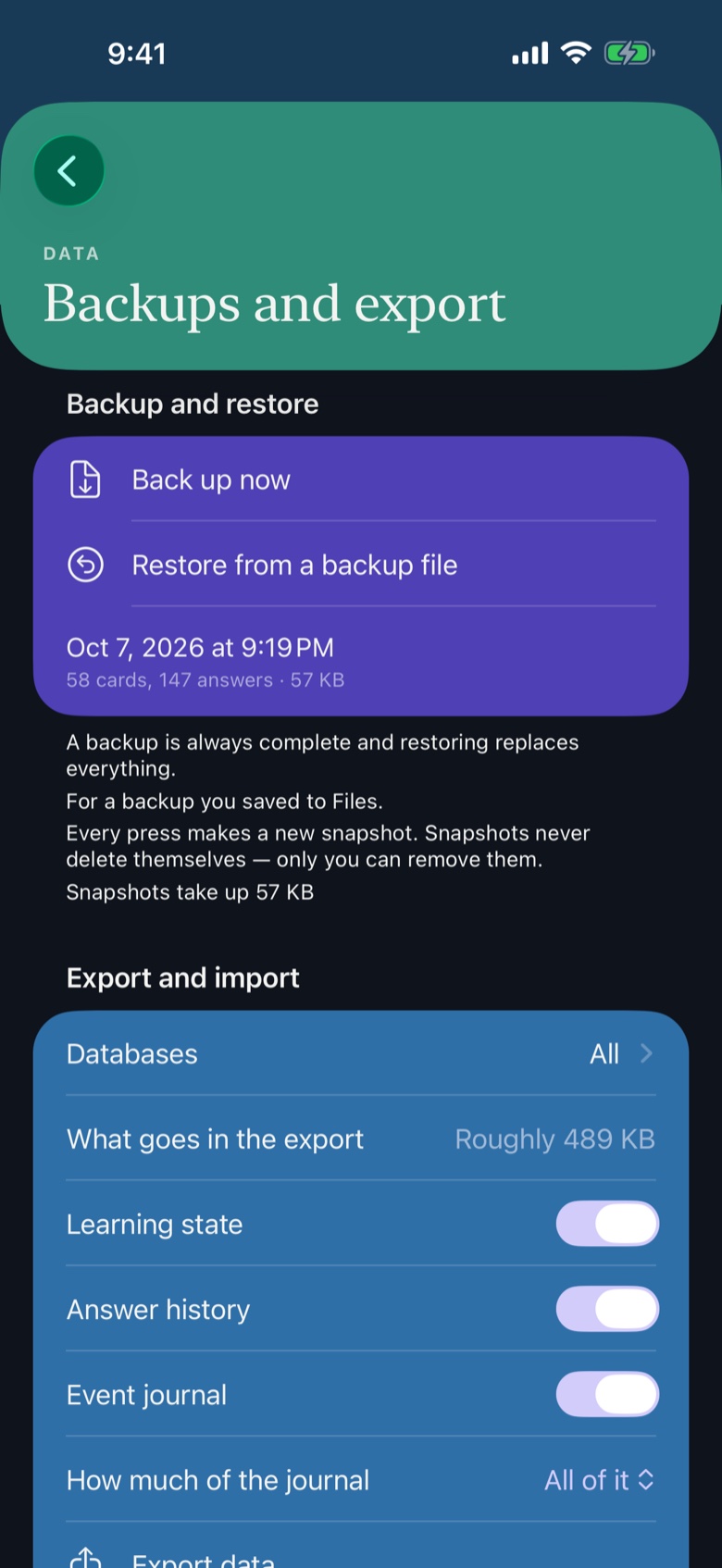
If you have a backup in a file, use Restore from a backup file.
Snapshots live inside the app. Delete the app and they go with it. Run Export data to a file off the phone regularly.
An imported deck has empty questions
It is a deck with images and the images did not arrive. A card carries only a fingerprint of its image; the bytes sit in the file next to the content.
Import the same file again. The app notices the images are missing and fills them in — the deck is not duplicated and your progress stays. It says so before importing: Adds N missing images.
The widget shows nothing
No data yet — open Memorate once. A widget does not create data on its own; it needs the app to have run at least once.
If it has run and the widget is still empty, remove it and add it again.
The watch shows no cards
- Open the app on the phone once.
- Check the watch is in range and paired.
- Close and reopen the app on the watch.
Described in Apple Watch.
The import mangled my accented characters
The file encoding is wrong. Memorate expects UTF-8. Save the CSV again as UTF-8 — in Excel that is Save As → CSV UTF-8.
The import turned one column into one long string
The separator is wrong. In the wizard's second step switch Delimiter to the one the file actually uses (European Excel often saves with semicolons).
I want to start over without losing my cards
Settings → Reset learning. Cards leave learning and start from scratch, but the cards themselves, the categories and the settings stay. A snapshot is made first, so it can be taken back.
Where to report a bug
Write to the address in the privacy policy. Include the app version from Settings → About and describe what happened and what you expected.