 Memorate
Import is the fastest way to get a lot of cards into Memorate. It handles any CSV file — semicolons, tabs, with or without a header.
Start it with the arrow into a box in the overview's top bar.
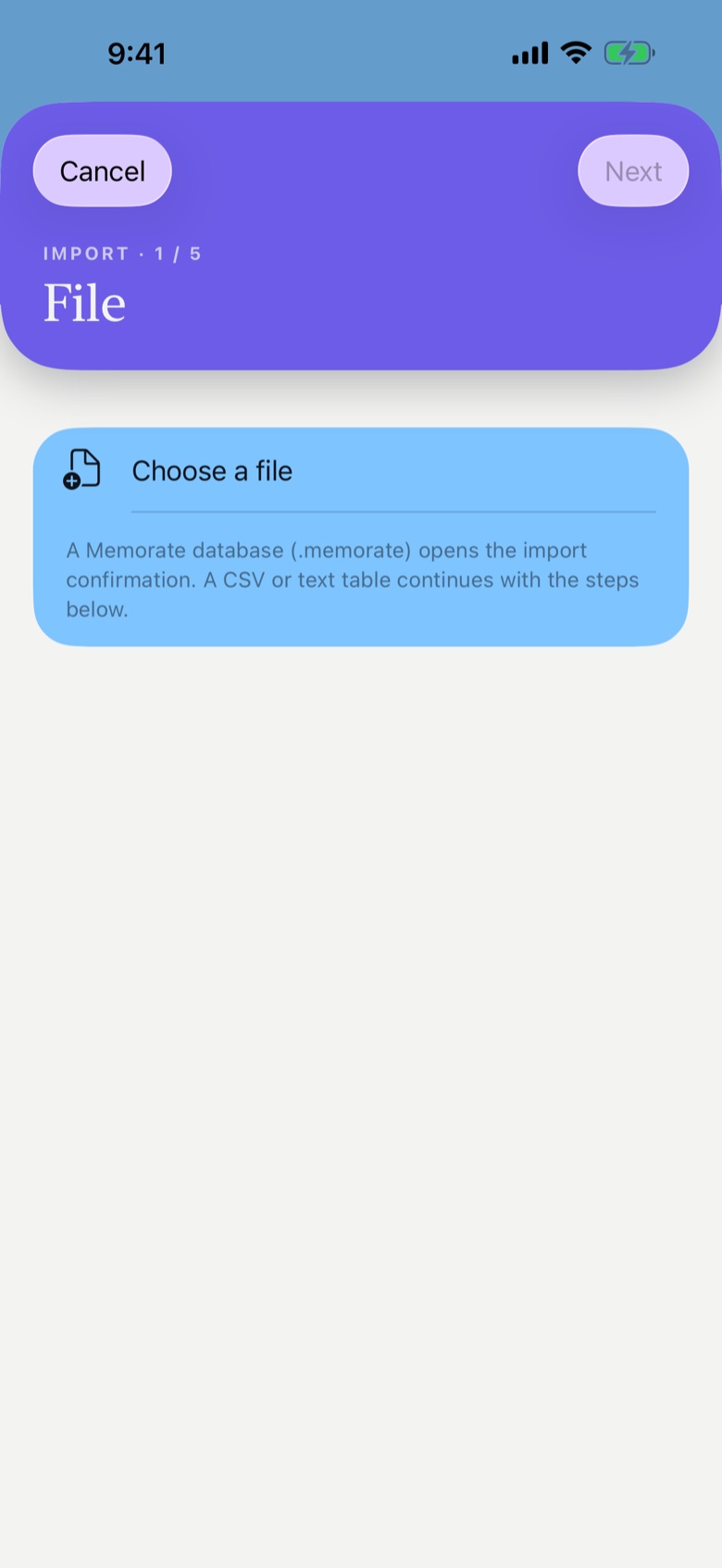
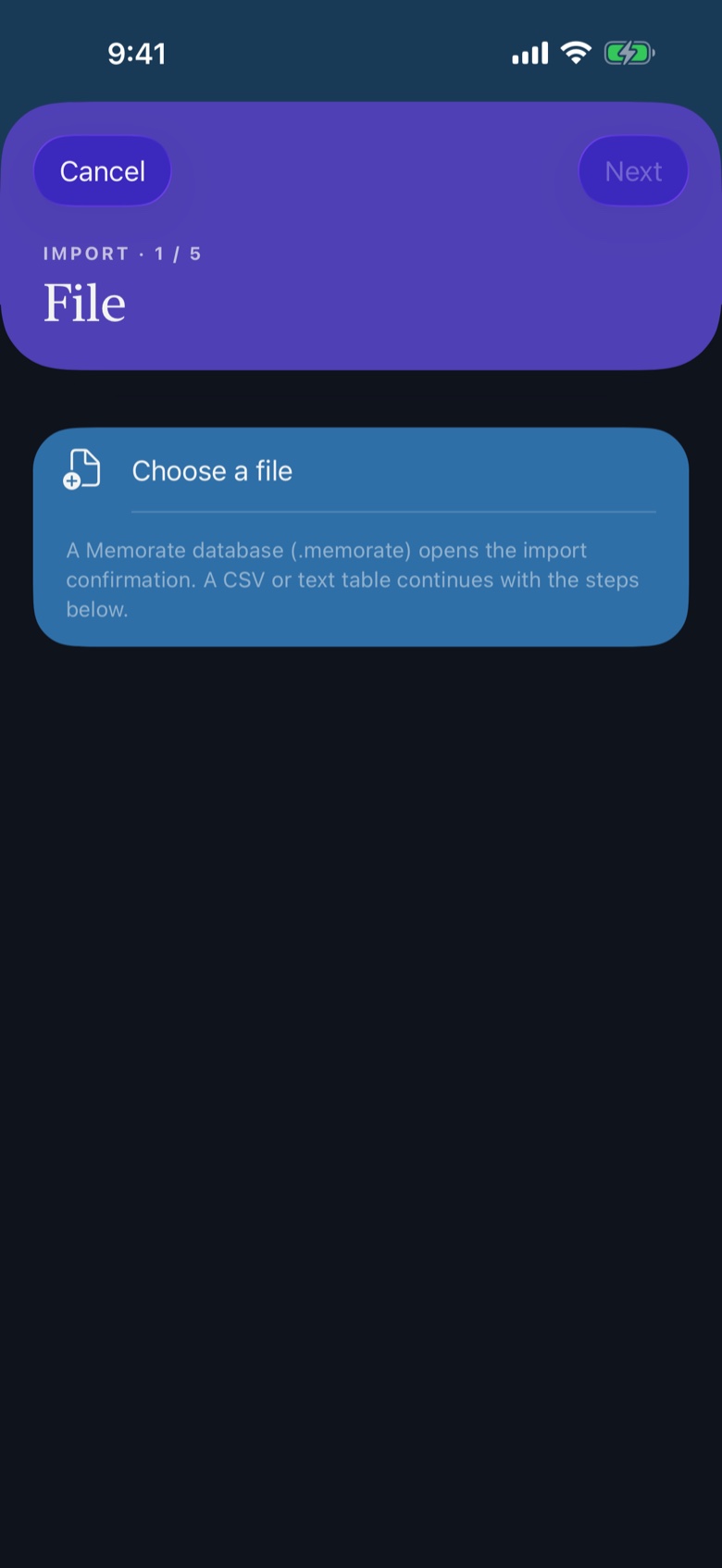
The wizard also takes a ready-made Memorate database. Pick a .memorate file and the steps below are skipped: the import confirmation opens straight away — the same one you get when you open the file from Files, Mail or AirDrop. It is described in Sharing a deck.
Ready-made decks skip the wizard
Before you tackle your own file: ready-made sets do not go through the wizard. They have a screen of their own — Ready-made decks on the home screen, right above the link to the website — and install with one tap. We know their format in advance, so there is nothing to ask about.
They are the same files the website offers, bundled into the app. The steps below are only for your own CSV.
You can also build cards on a computer — from a spreadsheet to your own .memorate file. The whole process is in Building decks on a computer.
1. File
Choose a file from Files or iCloud Drive. A CSV or text table continues with the steps below; a .memorate database goes straight to the confirmation.
2. Format
Memorate guesses the separator and the header for you; correct it if the guess is wrong.
- Delimiter — comma, semicolon, tab or pipe.
- First row contains column names — whether the file has a header.
- Trim surrounding spaces — usually you want this on.
- Skip rows without a question or answer — drops half-empty rows.
Under the options are two previews, each answering a different question:
- Detected columns — a table across several rows. It catches a wrong delimiter or broken encoding, because the mistake repeats.
- Card preview — one card as it will look while studying, with previous/next. It catches a single badly parsed row, which is easy to miss in a table.
The card is deliberately scaled down and dashed-outlined so it is clear it is a preview.
If the preview is scrambled or accented characters look wrong, the separator or the encoding is off. Memorate warns you about unusual encodings.
3. Columns
Give every column a role.
| Role | What for |
|---|---|
| Question | the front — required |
| Answer | the back — required |
| Extra field 1 and 2 | pronunciation, an example, anything |
| Note | text for the card detail only |
| Category | cards get grouped by it |
| Unused | the column is discarded |
You cannot continue until both question and answer are assigned.
4. Destination
- New deck — the name is prefilled from the file name and can be changed now or at any time later.
- Add to existing deck — pick from the list.
- Create categories from the file — values in the Category column become categories.
- Duplicate cards — what happens to a card whose question and answer you already have: Skip them, which is the default, or Import anyway, which creates it again.
Field display
When you are creating a new deck and gave a column the extra-field or note role, this step also asks when each one appears: With question, With answer or Always. A field shown with the question works as a hint — a pronunciation, for example. You name the extra fields here too, so the card detail has a meaningful label.
Adding to an existing deck skips this — that deck's own settings apply.
5. Preview
The last step before anything is written:
- Summary — rows in the file, how many will be imported, how many skipped, how many duplicates were found and which categories will be created,
- Things to check — suspicious rows, or Nothing looks wrong.,
- Cards — the first of the cards as they will be created.
Tapping Import writes it. The final screen sums up how many cards were added, how many rows were skipped and which categories were created.
After the import
Imported cards do not learn themselves. They sit in the deck as content and will not appear in a test until you commit them to learning.
This is deliberate. Importing two thousand cards would otherwise mean two thousand cards due tomorrow.
The file format
A minimal file has two columns:
hello;ciao
yes;sì
thank you;grazie
With a header and a category:
question;answer;category
France;Paris;Europe
Japan;Tokyo;Asia
UTF-8 encoding is expected. Memorate recognises Windows-1250 and warns you.